AI assistant
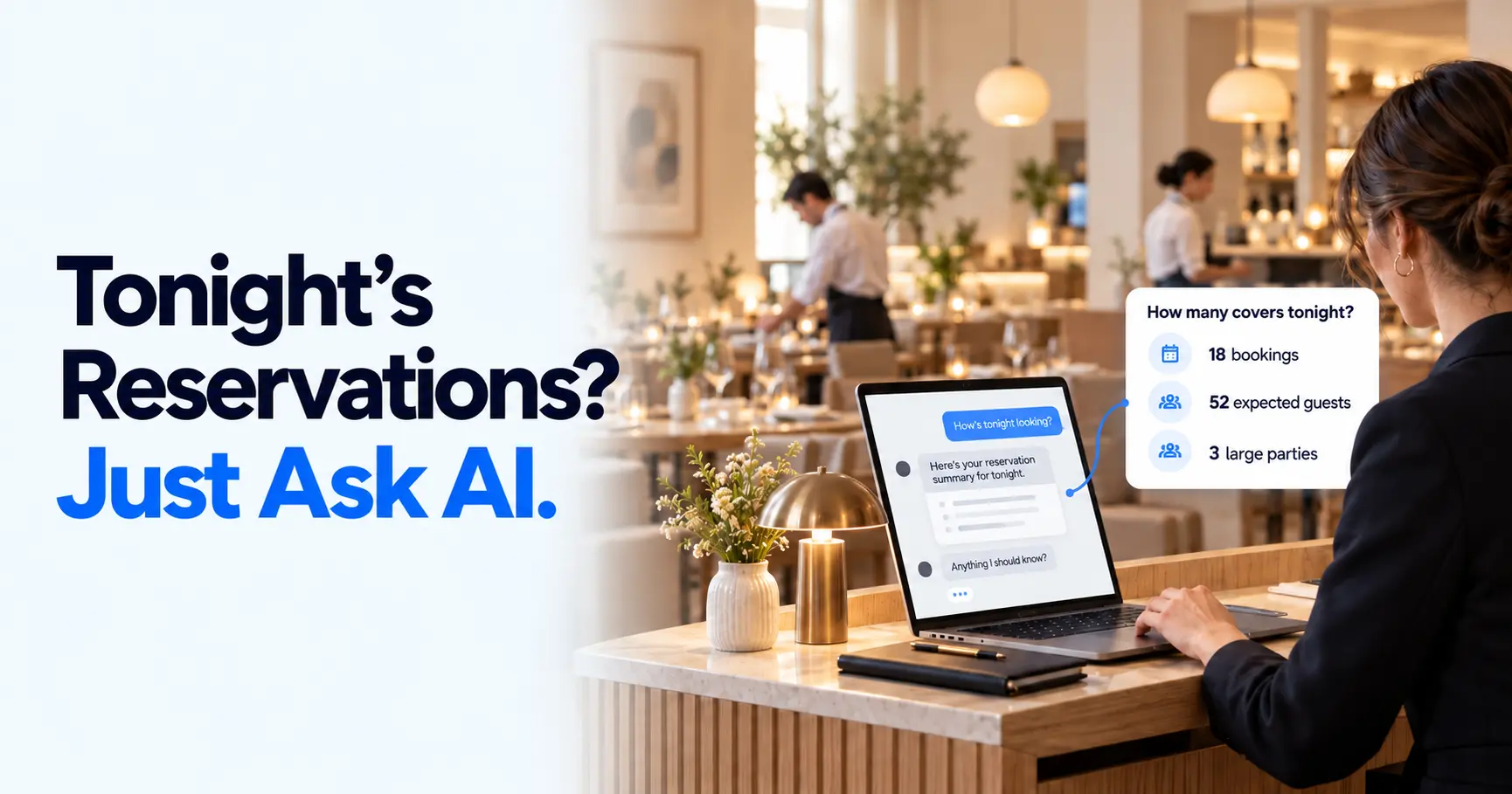
Ask in plain words and get the answer, or let it do the work - check how busy Saturday is, take a booking, move a party to a later table. It shows you every change for approval before anything happens.
Reservics turns your Shopify store into a full booking engine - take table reservations, deposits, and waitlists, design your floor plan and seat guests live, show off a customizable food menu, cut no-shows, and keep your floor full without a third-party login.
“Reservics is a useful app for managing restaurant reservations and table bookings. Its user-friendly interface and organized booking system make it easier to manage reservations, track availability, and handle customer requests. Features like the waitlist, automated notifications, and table management offer practical tools for restaurant owners.”
Every Reservics plan comes with an assistant that already knows your bookings, your tables and your hours. Ask it a question or tell it what to do, and it gets on with it.
Sample replies on sample data. In your store the assistant answers from your own bookings.
Reservics gives you every tool to take bookings, protect your covers, and turn first-time diners into regulars - right inside the Shopify store you already run.
Ask in plain words and get the answer, or let it do the work - check how busy Saturday is, take a booking, move a party to a later table. It shows you every change for approval before anything happens.
A fast, on-brand booking form that drops straight into your Shopify theme - guests reserve in seconds, on any device. Add a short note above the confirm button for what they always ask: how long you hold a table, whether the deposit comes off the bill, dress code.
Optionally require a deposit at booking time through Shopify Checkout - an upfront commitment that discourages no-shows and protects your prime-time tables.
Set named shifts (lunch, dinner), how long a table is held, and 15-minute slots, with date overrides to close or cap any day. You can also cap how many guests arrive at once, so a 50-seat room spreads across 8:00, 8:15 and 8:30 instead of all sitting down together.
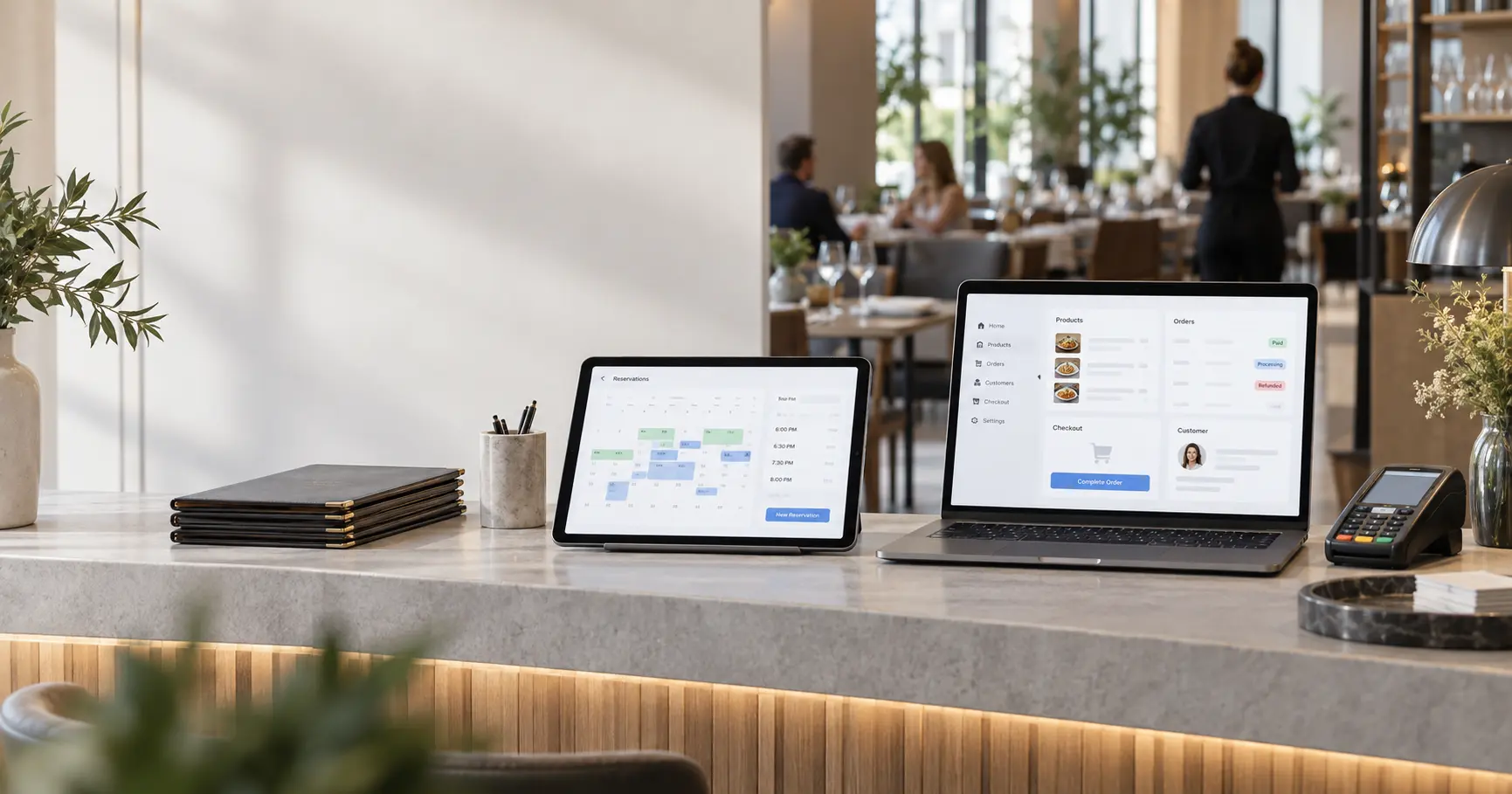
Design your dining room once, grouping tables into sections - then a live board colours each table available, upcoming, or seated so hosts always know where the next party goes.
Automatic reminders before the booking, plus one-tap cancel so freed tables get rebooked. A thank-you email goes out a few hours after they leave, while the meal is still worth writing about, and your team gets one email each morning with the day ahead in service order.
When a slot is full, guests join the waitlist instead of leaving. The moment a table frees up, the next guest in line gets a link to claim it, and it rolls on to the next if they do not.
A guest whose plans change can pick a new date, time or party size from their confirmation email instead of cancelling. Most guests who cancel never rebook - this way you keep the cover, and you get an email with the new details.
Tonight's bookings appear on your Shopify POS, so whoever is on the door ticks guests off as they walk in - no laptop at the host stand. Any deposit they paid comes straight off the bill.
No separate dashboard or login. Send booking emails through your own provider, message guests on WhatsApp, push every booking to Zapier, Make, n8n or your CRM, and let Claude or Cursor work with your bookings.
Inside Shopify
Connects to
Any SMTP host works for email, not only the ones shown.
From a single neighborhood bistro to a multi-location group, Reservics scales with the way you run service.
An optional deposit at booking keeps prime-time tables honest, while smart turn-time rules make sure your kitchen is never slammed or sitting idle.
Most reservation tools bolt a calendar onto your site and stop there. Reservics is built into Shopify end-to-end - so bookings, payments, and guests live in one place.
Install from the Shopify App Store, drop the booking block into your theme, and set your hours. No developers, no separate dashboard to learn - if you can edit a Shopify page, you can run Reservics.
Run named shifts, set turn times and 15-minute slots, and use date overrides to close or re-cap any day. Reservics only ever shows guests the times your floor can truly support.
Collect a deposit or take full prepayment for large parties - all through the Shopify Checkout your store already runs on. Payments sync automatically, and refunds happen in a tap.
Build a plan of your room once, grouping tables into the sections you actually run. On service, the live board shows which tables are open, arriving soon, or seated - so hosts always know exactly where the next party goes.
Drag tables onto the canvas, set each one's size and seats, and sort them into sections. Give every location its own plan, then let the live board keep hosts a step ahead all night.
No credit card to start. Every paid plan comes with a 14-day free trial, billed through Shopify.
Everything you need to start taking reservations on Shopify.
Add to Shopify - FreeDeposits, multi-shift scheduling and the tools busy floors need.
Start 14-day trialYour own sending domain, automations, and every venue in one place.
Start 14-day trialWe just launched, and we are onboarding early restaurants by hand. Get in now and help shape the reservation app built natively for Shopify.
Take your first booking on the free plan today. No credit card, no setup fee - upgrade only when you need deposits or multi-location.
We help you install, import your existing book, and go live - usually the same afternoon. You are never setting this up alone.
Talk directly to the team building Reservics. Real answers from people who know restaurants, usually within minutes.
Take your first reservation today. No credit card, no setup fee - just a fuller dining room.
Playbooks, benchmarks, and tactics from restaurants growing reservations on Shopify.
Learn how restaurant teams use Reservics MCP to check tonight’s covers, prep a pre-service briefing, track no-shows and…
Resos works well as a restaurant booking system, but it sits outside Shopify. Here is what it really…
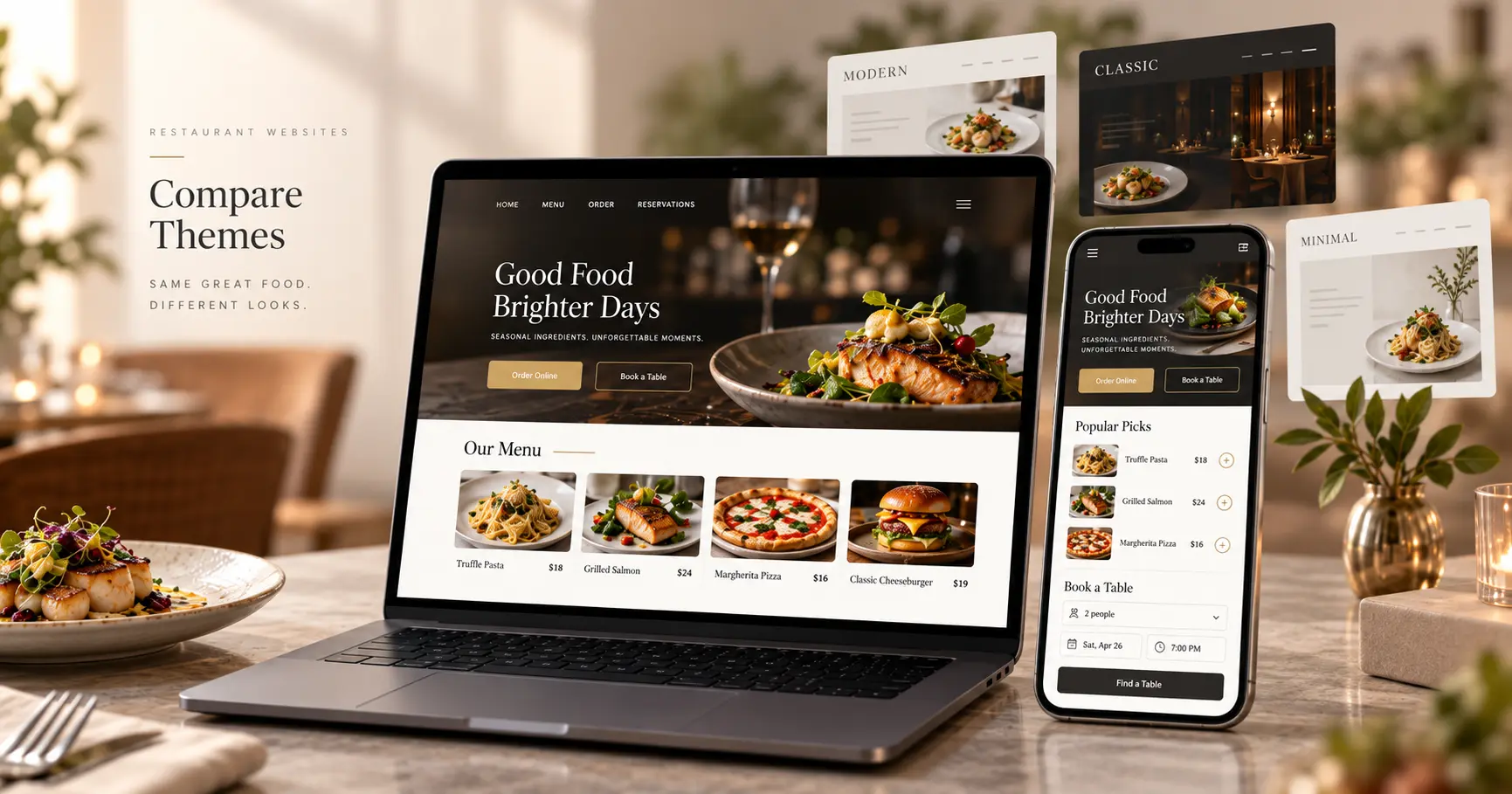
A practical comparison of the best Shopify themes for restaurants in 2026, covering Restrovics, Takeout, Local, Foodie and…
Everything you need to know about running reservations on Shopify with Reservics. Still curious? Our team replies in minutes.
Talk to us →No. Reservics installs directly into your existing Shopify store and adds a booking page and widget to your current theme - guests reserve without ever leaving your site.
Automatic email reminders on Pro, plus one-tap cancel on every plan so freed tables get rebooked. You can also optionally require a deposit at booking time to discourage no-shows before they happen.
Reservics collects deposits and prepayments through your Shopify Checkout, so they use whatever your store already accepts - including Shopify Payments. Refunds happen in a tap, and nothing new is needed to set up.
You choose. Reservics can confirm bookings instantly, or hold them as pending for your team to approve. Unpaid pending holds automatically expire after 15 minutes, so seats never stay locked.
Yes. On our Pro and Advance plans you can run multiple venues from one dashboard, each with its own hours, capacity, and reporting - Pro covers up to three locations and Advance is unlimited.
Yes - the free plan includes online booking, the booking dashboard, confirmation emails, the food menu block and the AI assistant, with no monthly fee. Upgrade when you want deposits, reminders, the floor plan, the waitlist, or more than one location.
Yes, and it is on every plan including Free. Ask it in plain words how busy Saturday looks, to take a booking, or to move a party to a later table, and it does the work. Anything that changes a booking is shown to you for approval first, so it never acts behind your back.
Yes, on the Advance plan. Connect your own SMTP server - Brevo, Amazon SES, Mailgun or the mailbox that came with your hosting - and every confirmation, reminder and cancellation is sent from your address, with no Reservics branding.
Yes. Message guests on WhatsApp through your own Twilio account on Pro, and on Advance send every booking event to Zapier, Make, n8n or your own CRM with outgoing webhooks, so reservations flow into whatever you already run.
The booking widget inherits your Shopify theme's fonts and colors automatically, and you can fine-tune accent colors, copy, and imagery so it feels fully native to your restaurant.
Yes. Instead of cancelling, a guest can pick a new date, time or party size straight from their confirmation email, and you get an email with the new details. Most guests who cancel never come back and rebook, so letting them move the booking keeps the cover. It is switched off until you turn it on, and on Pro you choose how close to the booking changes are still allowed.
Yes. Open any booking and Reservics shows whether that guest has missed a booking before and how many times they have actually turned up. It reads across all your venues, because someone who missed the other branch is the same person. First-time guests show nothing at all.
Yes, on the Advance plan. Tonight's bookings appear on your Shopify POS, so whoever is on the door can check guests in as they arrive without a laptop at the host stand, and any deposit they paid comes straight off the bill.
Install Reservics on your Shopify store and take your first booking tonight. No credit card, no setup fee.